
Your Cart
0 items
Your cart is empty
Add items to get started

Official license · Direct from developer
Version 2.9.3
Official license · Direct from developer
Developer
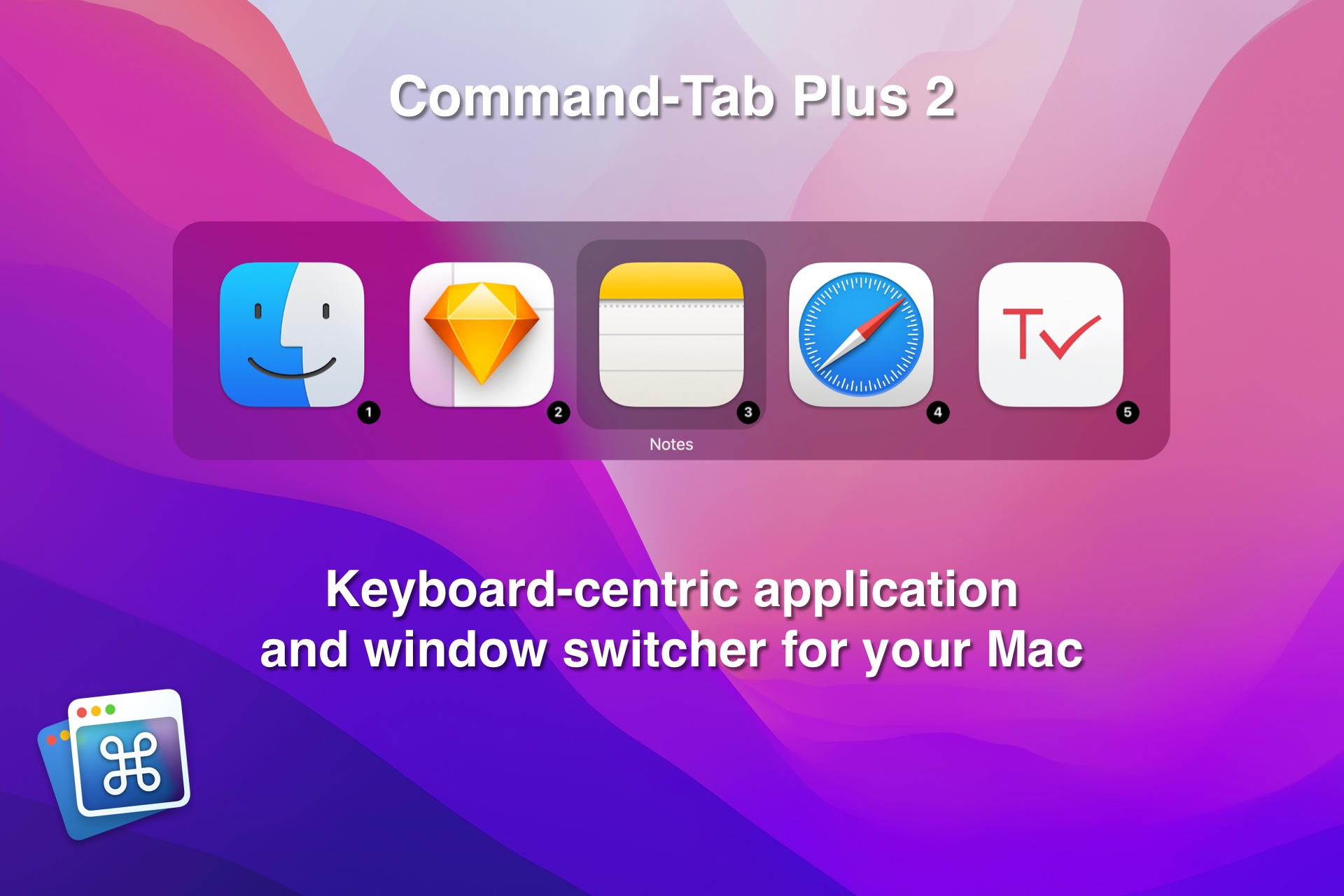
MacPlus SoftwareWhen you work with a lot of programs which are loaded, switching between them makes a problem, because it often takes a long time. Command-Tab Plus gives you many improvements in working with multiple applications and designed to be an alternative to the built-in macOS Applications Switcher.
Main Features
Using digital shortcuts, you can quickly select the application you want without tapping a bunch of keys!
When using Command-Tab Plus, by default it displays only the icons of the apps running on the current display or space. Thus, it isolates the apps in one space and the apps in other spaces. Of course, you can disable this function in the app settings.
Show or hide apps visible and hidden, apps from other workspaces, and so on. For each option, you can assign your own hotkey.
To quickly switch between windows of the selected application, call Command-Tab Plus and then press Z or ~.
Lots of built-in themes and customization options.
Command-tab Plus hides the icons of inactive (hidden) apps. This function allows you to quickly switch between the apps you are using at the moment, which is handy if you have a lot of apps in the background, but you don’t want them to show up in the switcher.
2 use cases for Command-Tab Plus 2
Common questions about this deal
Command-Tab Plus 2 on BundleHunt includes a license key and instant download access. The license is obtained directly from the developer and activates the latest version of the software.
After purchasing Command-Tab Plus 2 through BundleHunt, your license key and download link will be available immediately in your account under "Downloads & Licenses". You can access them anytime.
You will receive the developer's most up-to-date version of Command-Tab Plus 2, fully activated and ready for immediate use.