
Your Cart
0 items
Your cart is empty
Add items to get started

Version 1.2
Official license · Direct from developer
Developer
MacPlus SoftwareStage View is a utility app that adds previews of windows in a group within the macOS Ventura Stage Manager app on Mac. With Stage View, you can quickly preview all windows in Stage Manager, select the one you need, and activate, minimize, or close it.
Stage Manager is an innovative window management feature included in macOS Ventura by Apple in 2022. Stage View is designed to enhance the efficiency of using the Stage Manager app by providing a simpler and more intuitive way to access windows.
With Stage View, you can get an overview of all Stage Manager windows, including previews, adjust preview size and delay, and choose a theme (classic, dark, or light) that suits your preferences. You can also manage windows directly from their previews, including minimizing, closing, and making windows full-screen.
In summary, Stage View is a convenient utility app that helps you better manage windows in the Stage Manager app on Mac.
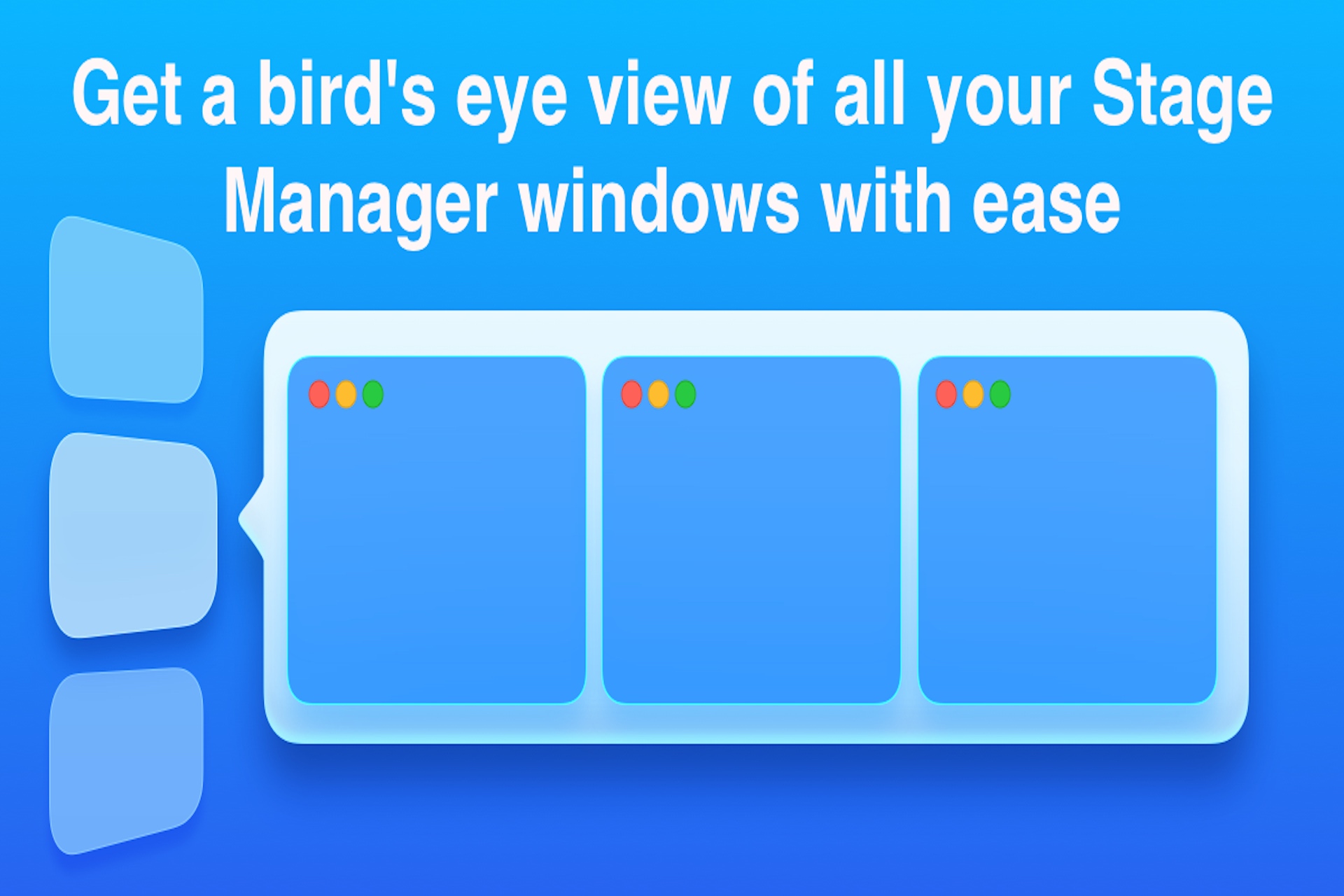
Get a bird’s eye view of all your Stage Manager windows with ease:All grouped Stage Manager windows have previews. When one or more windows are grouped, you may hover your mouse over the unified preview to see individual views of each window that is part of the group. These will contain if offered, the app’s symbol and name.
Get a new perspective on window management with our preview-driven approach:You can minimize, close, and make windows full-screen from the previews.After a preview has been shown, clicking any window will bring it to the front of the screen, and clicking any window again will switch to the group.
Tailor your preview preferences to suit your needs:The previews’ dimensions can be changed, and a brief delay can be included to prevent them from appearing immediately. For single windows, you can also stop them from appearing.Additionally, three themes-classic, dark, and light-are available.
1 use case for Stage View
Common questions about this deal
Stage View on BundleHunt includes a license key and instant download access. The license is obtained directly from the developer and activates the latest version of the software.
After purchasing Stage View through BundleHunt, your license key and download link will be available immediately in your account under "Downloads & Licenses". You can access them anytime.
You will receive the developer's most up-to-date version of Stage View, fully activated and ready for immediate use.